


Do you struggle with creating a video-worthy home office background? A thoughtful, clutter-free setup will not only improve your energy and efficiency but also make you look professional on screen. Read on for the best home office background ideas your co-workers will swoon over!
Why a Home Office Background Matters
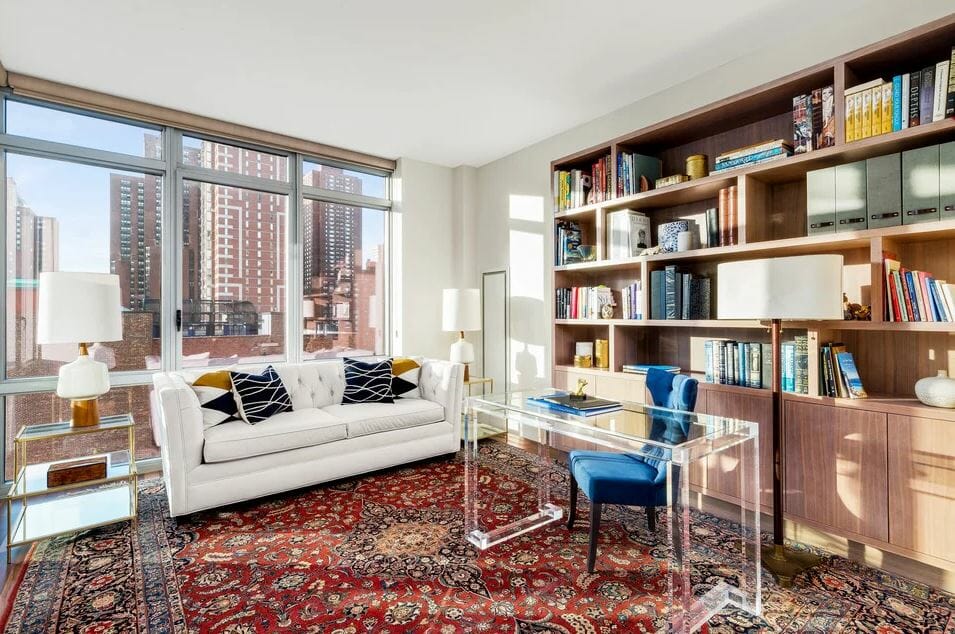
On a video call, your home office design is always doing work. Viewers form an impression in the first seconds, and the setting shapes it. In a related research, professionals rated the background as counting for more than the clothes on screen, whereas its power is often compared to a new business suit.
That is the case for designing the space behind you with some care. It also raises the question of a digital backdrop. A virtual background hides a messy room and travels with you, which has its appeal. But the catch is that it leans on even lighting and a clean edge to hold up, and it can blur or flicker around the outline of your hair when either slips. On top of that, do you really want to appear like you have something to hide?
A designed, real background sidesteps the risks, and the evidence points the same way. Shown a speaker’s real room, viewers rated it well for trust and authenticity, above a blank wall or a virtual fill. A background you arrange yourself reads as genuine, and it gives the camera real depth and light to settle into.
Need a little extra help getting your home home office “Zoom ready”? Schedule your Free Online Interior Design Consultation to get started with the finest interior designers today!
Best Home Office Backgrounds
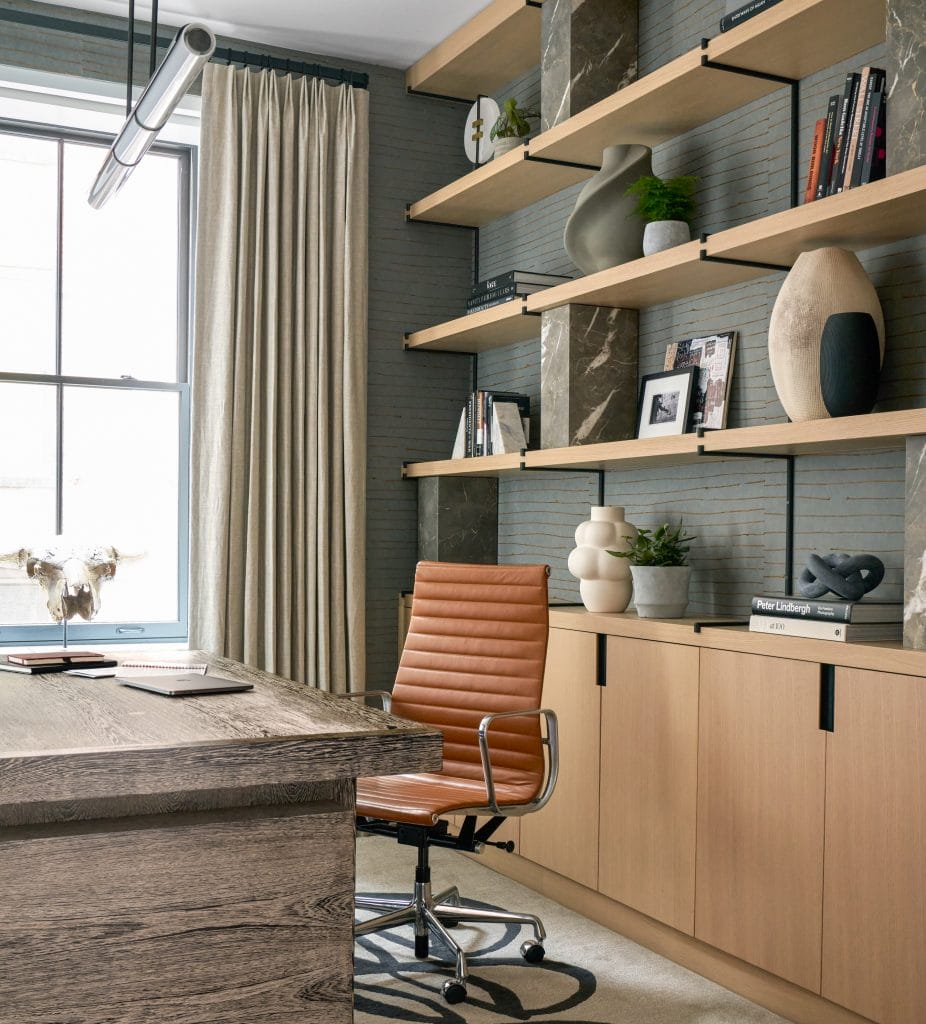
It’s not unusual to have to work from your kitchen or bedroom. What you don’t want to show is too much of your domestic life. So, once you’ve got the environment right, examine the entire background. Aim to have an uncluttered area with a lot of character but little or no intimacy. It’s not only suitable for a Zoom video conference – it’s also going to help you to focus and prioritize.
1. Home Office Backgrounds Wrapped in Wallpaper
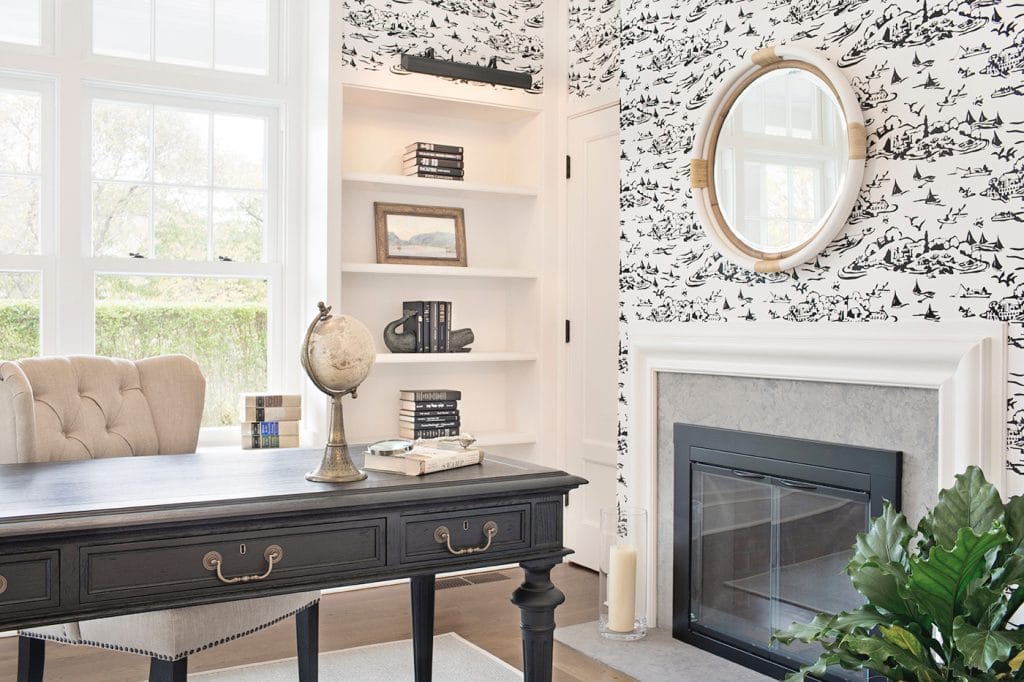
You can use any existing spot covered in wallpaper, as long as it’s not too whimsical or outdated. If your walls are painted, check for the possibility of customizing one area as an official home office background with a carefully curated piece of wallpaper. Another solution could be wall decals, either as branded iconography or a designed texture. Vinyl backdrops are very affordable, and you can get them in almost any design you want, including your brand logo.
Designer Insight: Avoid glossy or shimmer finishes, as that doesn’t work well on camera and pulls the eye off your face. Sit a few feet in front of it so the print stays soft behind you.
2. Real or Faux Brick Home Office Backgrounds
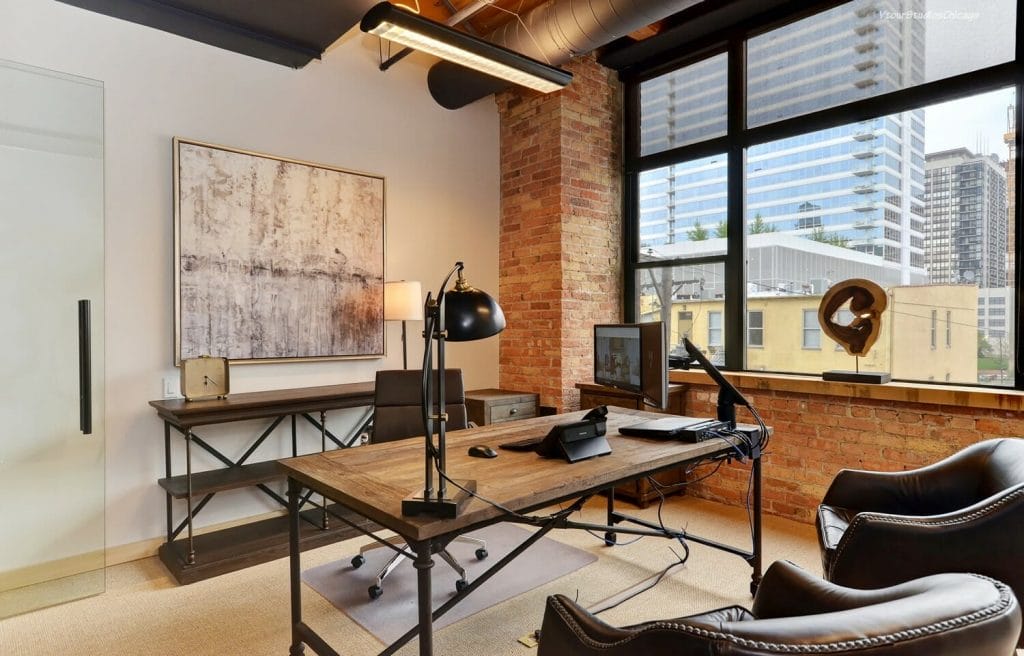
A barren brick wall can be a great home office video background, in the right setting. The industrial-style interior with brick walls communicates productivity and sends a message accordingly. Plus, fitting furniture is mostly inexpensive and easy to set up. If your wall is plain white and you wish your background to be more dynamic, try stick-and-peel white, textured bricks, and arrange them in an interesting pattern.
Designer Insight: Brick reads darker on camera than in person, so add a lamp near it to lift the tone. A little distance will keep the texture from flattening into a solid block on screen.
3. Accent Wall Home Office Video Backgrounds
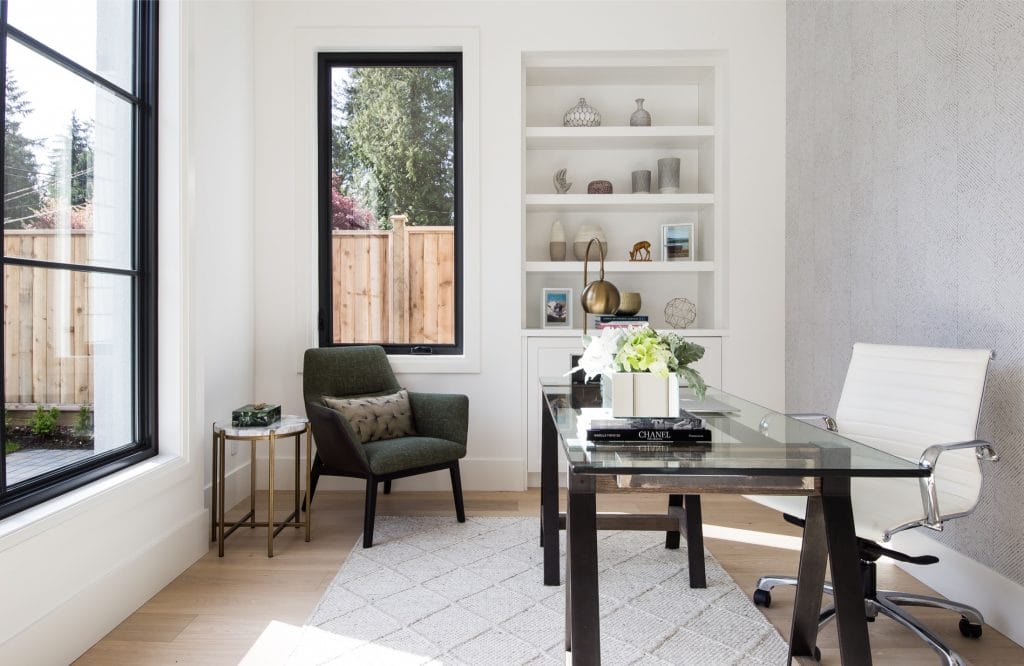
If you are not ready to fully commit, refresh wall decor with peel-and-stick wall tiles or install a decorative wood panel. Built-ins are fantastic but can also be pricey, whereas even a small intervention might transform a dull home office video background into a fresh and exciting one. Choose a color, texture, and style intentionally to pump up your conference backdrop with a graceful yet professional appeal.
Designer Insight: Angle the desk so the accent wall fills the frame behind your shoulders, where it does the most work on camera. A shade with a little depth keeps your outline clear against it.
4. Best Colors for a Home Office Video Background
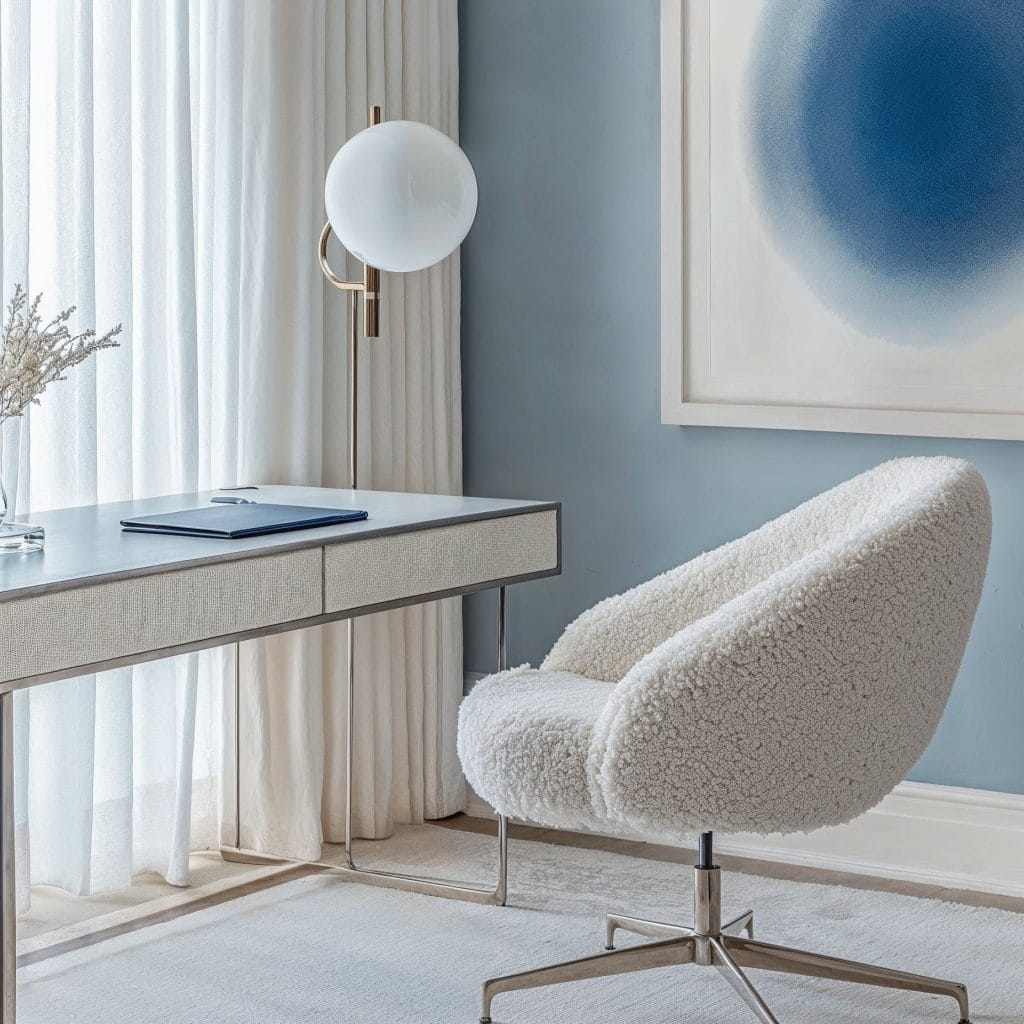
Now, speaking of colors—white is a common choice, but what about something more prominent? Don’t be afraid to add a pop of color to your home office design, especially in the form of an accent wall. Consider applying some color psychology to boost your mood and productivity throughout the workday. Here are some shades to keep in mind for their added effects:
- Green: Fresh, also easiest on the eyes.
- Blue: Brain-friendly and calming, as well as promotes communication and efficiency.
- Yellow: Brings a burst of positivity, creativity, and happiness.
- Red: Represents courage, strength, and excitement. Use this color for a stimulating effect.
Designer Insight: Cameras push saturation, so a slightly muted version of your chosen color looks truer on screen than the swatch suggests. Record a short test clip before committing, since the webcam’s white balance can shift the hue.
5. Textured “Zoom Ready” Home Office Backgrounds
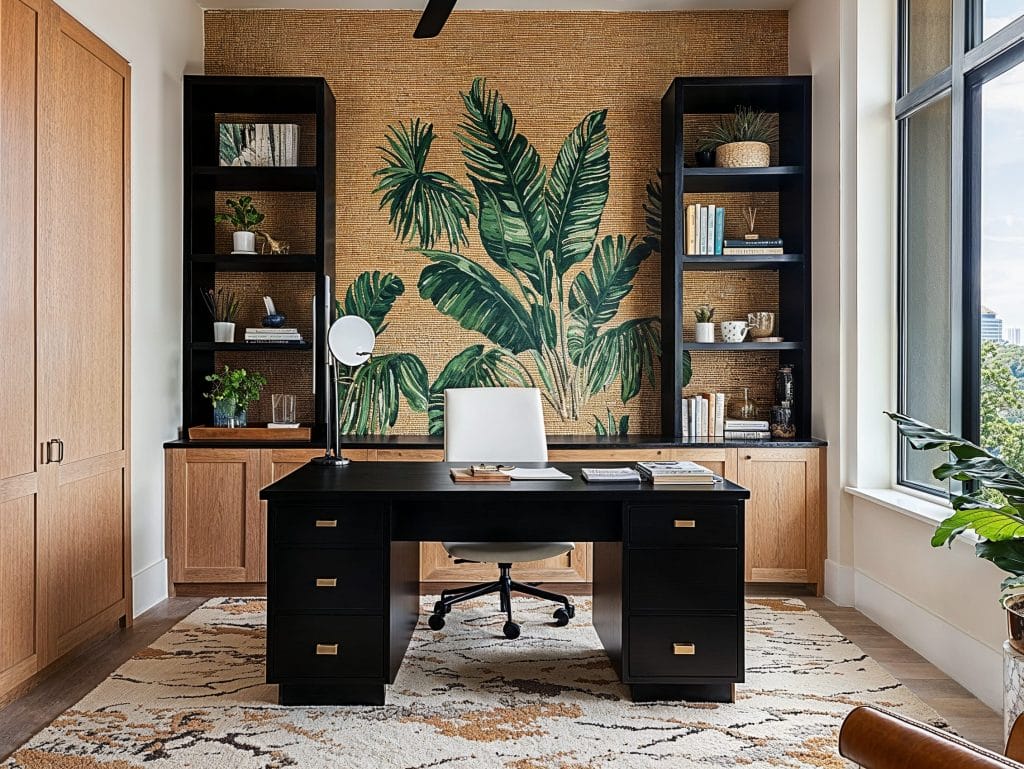
Sitting in front of anything that is not a bare wall can give more character to your appearance. Curated surfaces, a mix of prints/patterns, or textiles will serve as an adequate office background. But be careful: it’s good to make it eye-catching, just not overly dominant. 3D artwork can also work well here, tastefully arranged around the perimeter or as a part of your bookshelf wealth.
Designer Insight: Texture only registers on camera when light crosses it at an angle, so a side lamp brings out relief that flat lighting washes away. Keep the textured area behind you, where it frames you quietly.
6. Fabric Home Office Video Conference Backgrounds
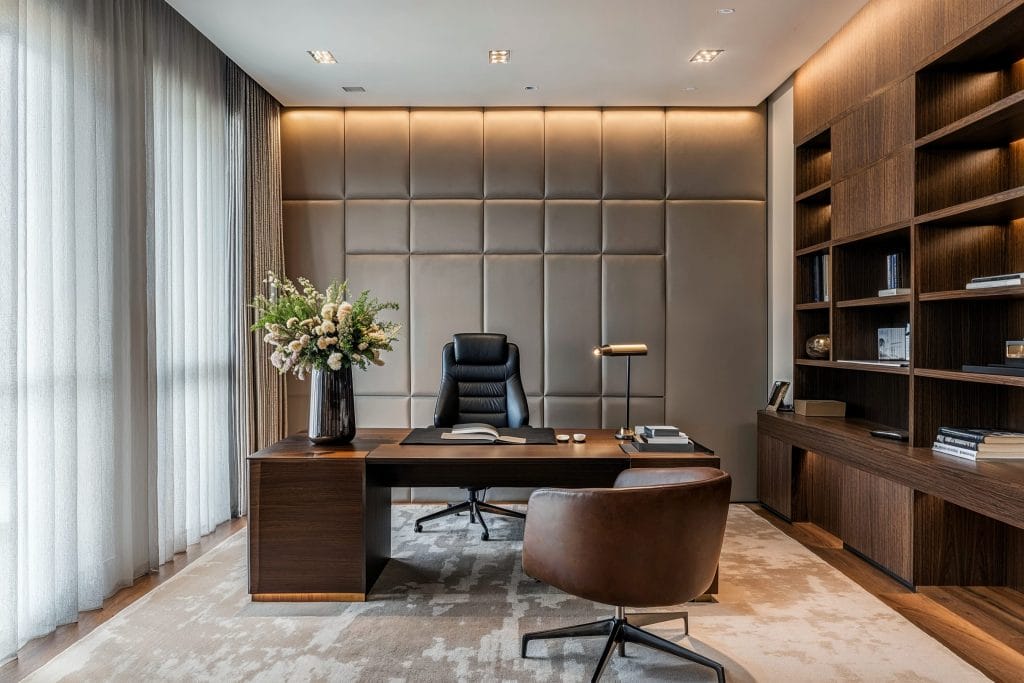
Fabric panels are affordable, lightweight, and pretty effortless to set up and remove. You don’t even have to cover up the entire wall (although that’s great for acoustic isolation). For a quick DIY solution, use a pole going out from a central hub into the fabric’s corners, and a hint of creativity. You can also stretch the piece, anchored firmly at two points.
Creating a branded banner adds a deep layer to your professional appearance, and you can use it literally anywhere. Depending on your position and the rest of the home office layout, you will probably need to do some testing to ensure the fabric banner is big enough to fill the scenery.
Designer Insight: Choose a matte weave, which softens glare and dampens echo at the same time. Steam it first, since the camera catches every crease and fold.
7. Studious Built-in Cabinetry
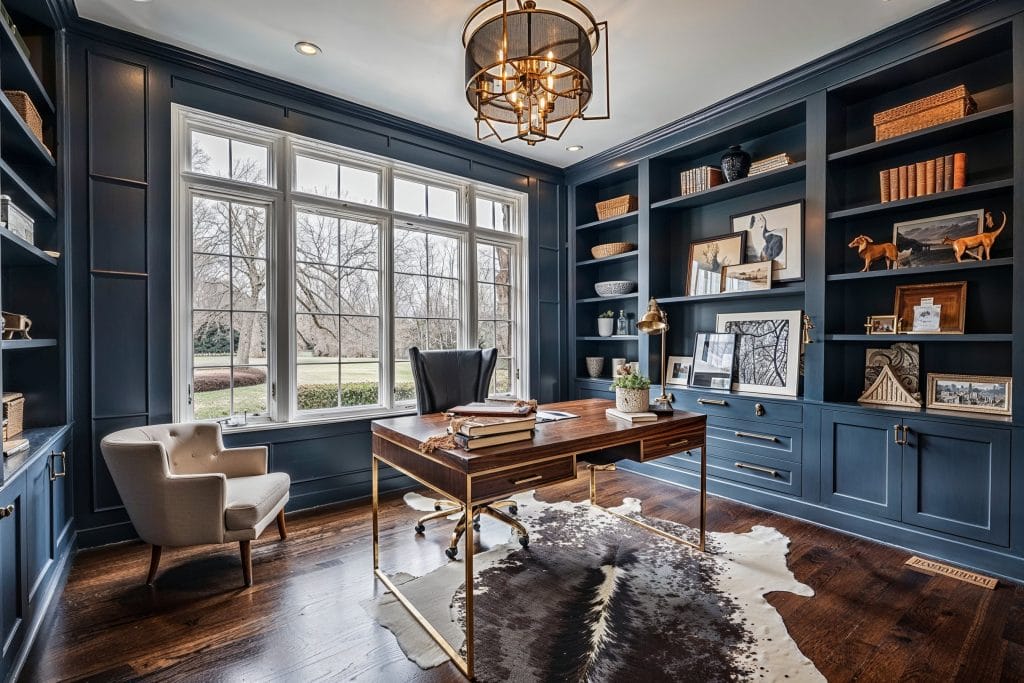
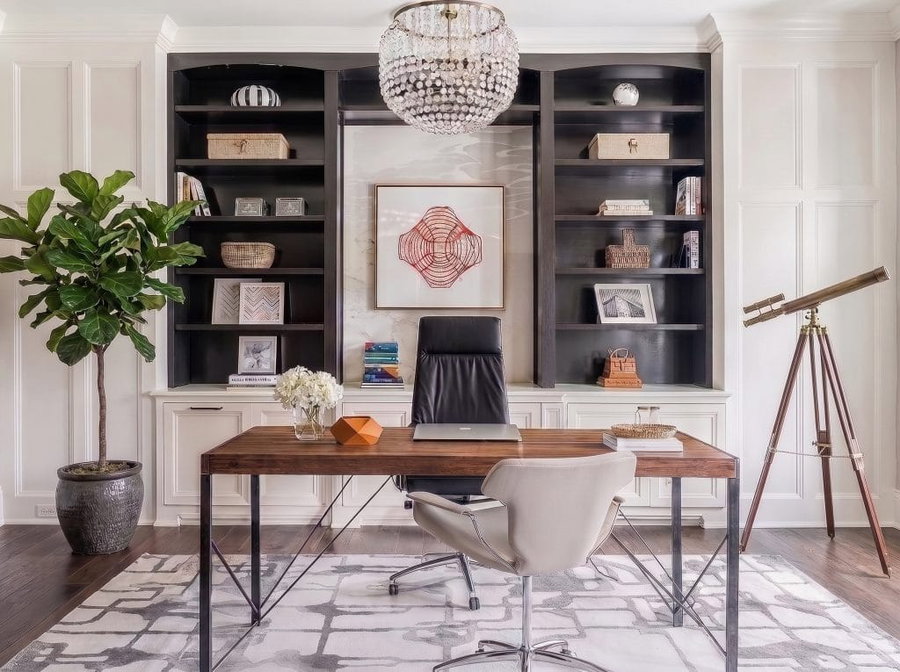
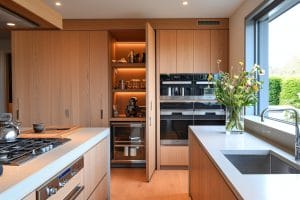
Space can be precious, especially when every inch counts. Your home has a function before and after your work, so if floor space is at a premium, consider built-in cabinets or shelves for your home office background. Built-ins will also give your working spot a studious appeal. At the same time, they offer practical and ample storage where you can keep all your possessions and reach for them anytime.
Designer Insight: Style the shelves loosely, with books and a few objects and plenty of open gaps. Keep the busiest shelf out of the frame directly behind your head, where clutter distracts most.
Caution: Avoid Backlight
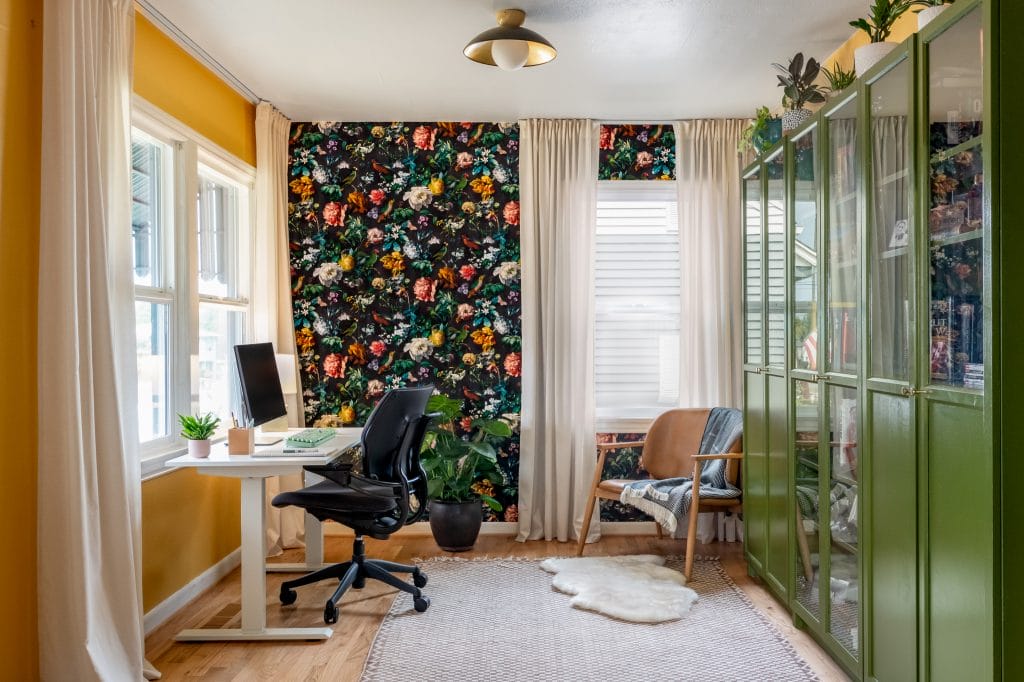
Getting the light right in your Zoom-ready workspace is essential. Firstly, you have to avoid a prominent backlight, as it will cover your face with dark shadows. Natural light from a window is great, as long as there is no direct sunlight—the effect of sunrays could be the same. If your virtual meeting is scheduled for the evening, set a lamp to face you, but adjust the distance to find the optimal position.
Designer Insight: Keep your main light in front of you, at eye level and angled slightly to one side. If a bright window has to stay in shot, move the camera closer to crop it out.
Still Not Sure About the Right Home Office Background?
Set up a “Zoom-ready” home office background and the rest of your workspace like a pro. Schedule a Free Consultation for expert interior design assistance today!

Comments